

You can create unique campaigns, i.e. link names for your affiliate system.
Video tutorial
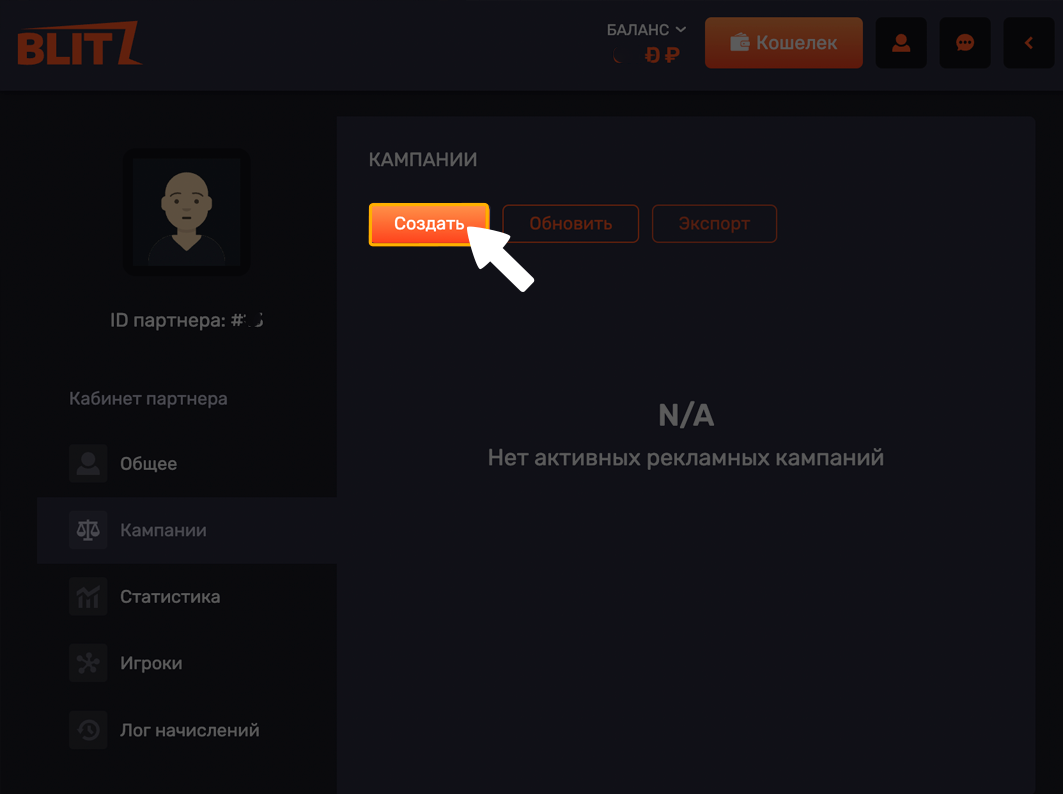
On desktop:
1. Go to the Affiliates section in the top navigation bar.
2. Click on Campaigns.
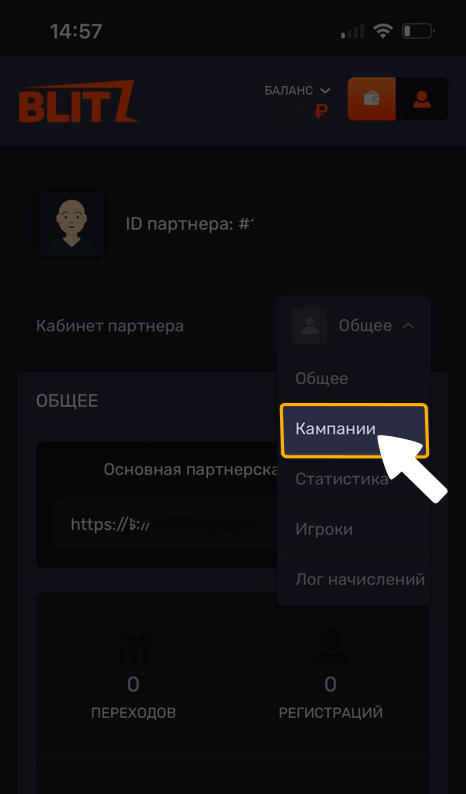
On mobile:
1. Tap the person icon in the top-right corner.
2. Go to the Affiliates section.
3. Tap "Campaigns".
4. Tap "Create".
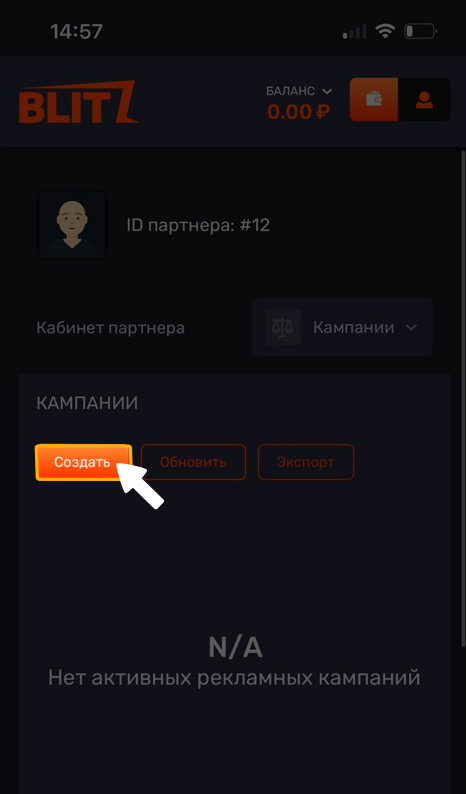
Create your campaign by giving it a name and choosing a unique address for your referral link. Once created, click the button Confirm.
💡 Tip
If you have any questions or need additional information, please don't hesitate to contact our support team.
We're always happy to help!