

For iPhone (iOS)
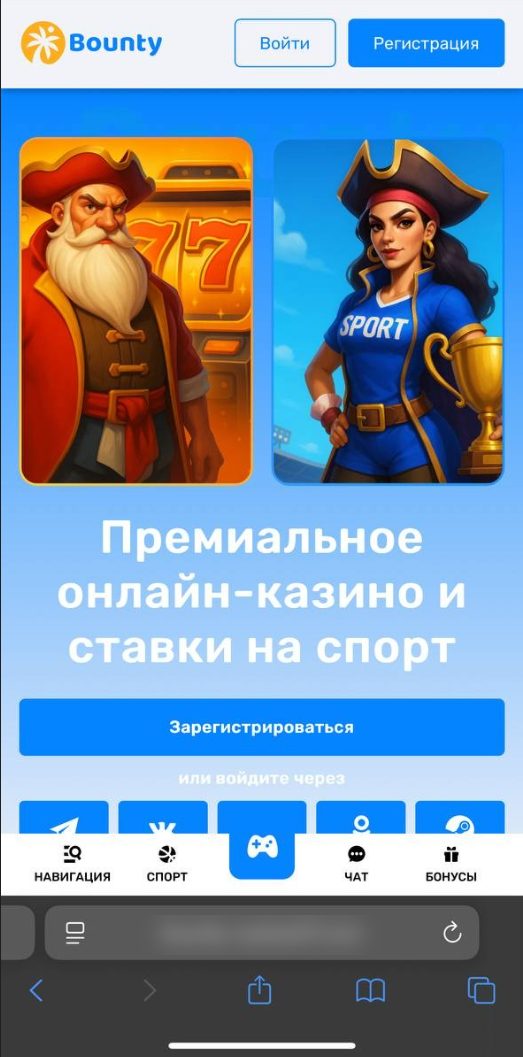
1. Open the website in the Safari browser.
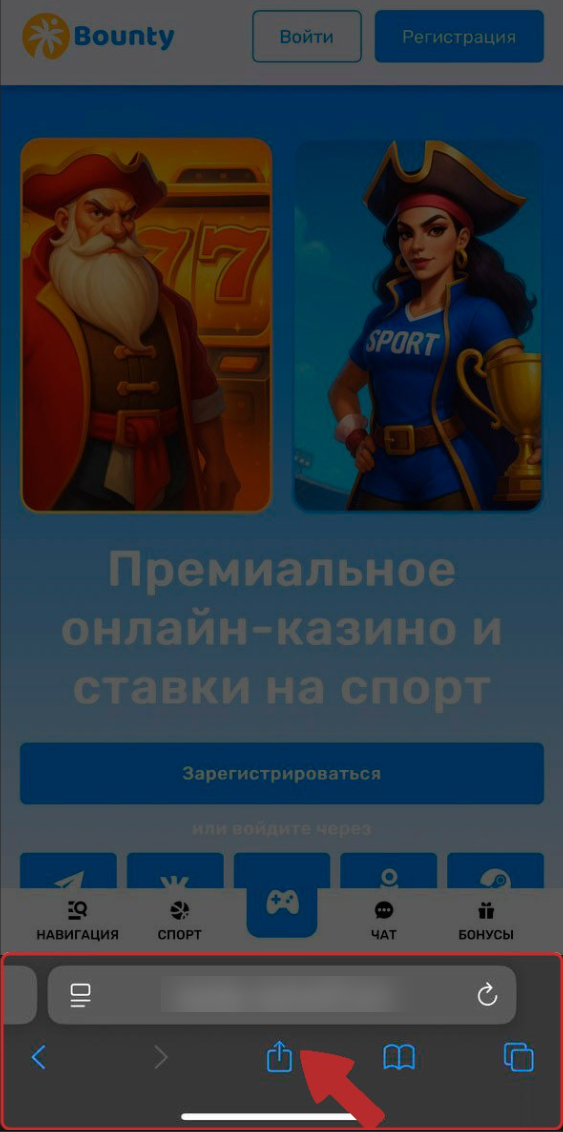
2. Tap the Share button (the square with an upward arrow) at the bottom of the screen.
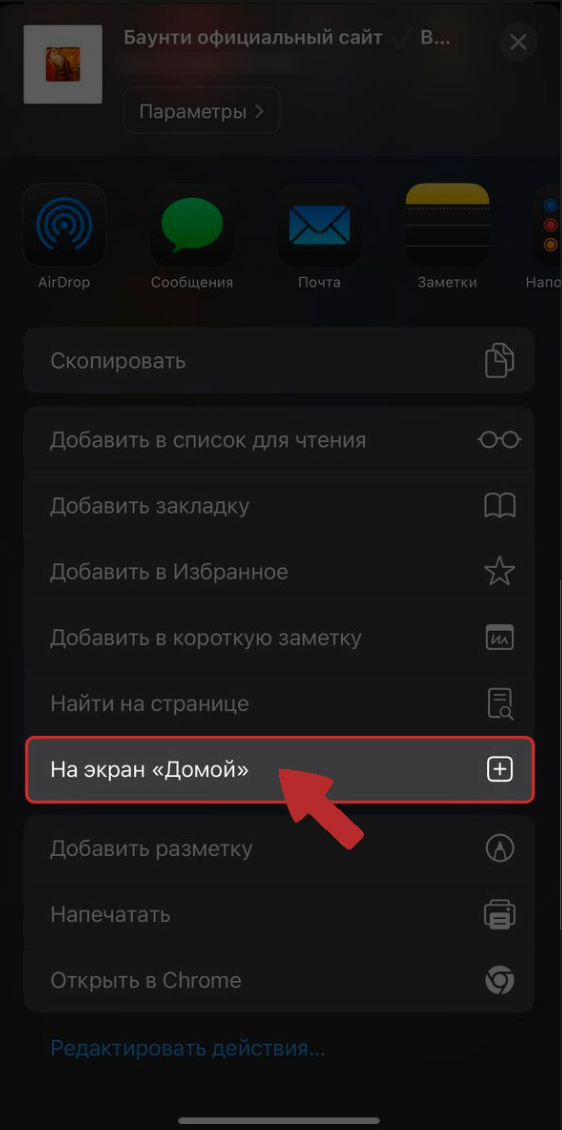
3. Select “Add to Home Screen.”
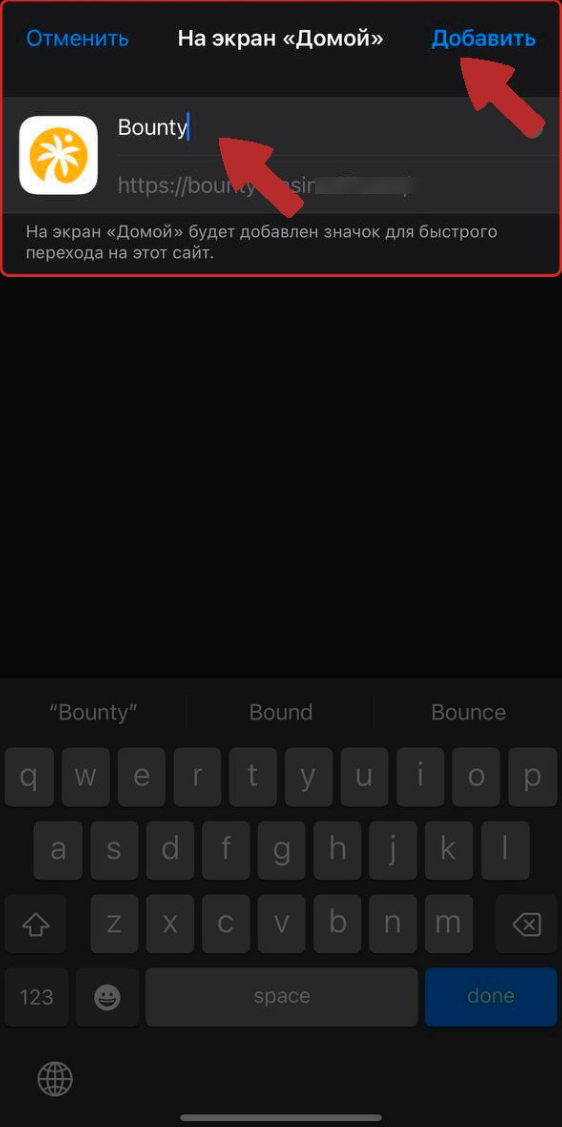
4. Name the shortcut (for example, after the website) and tap Add.
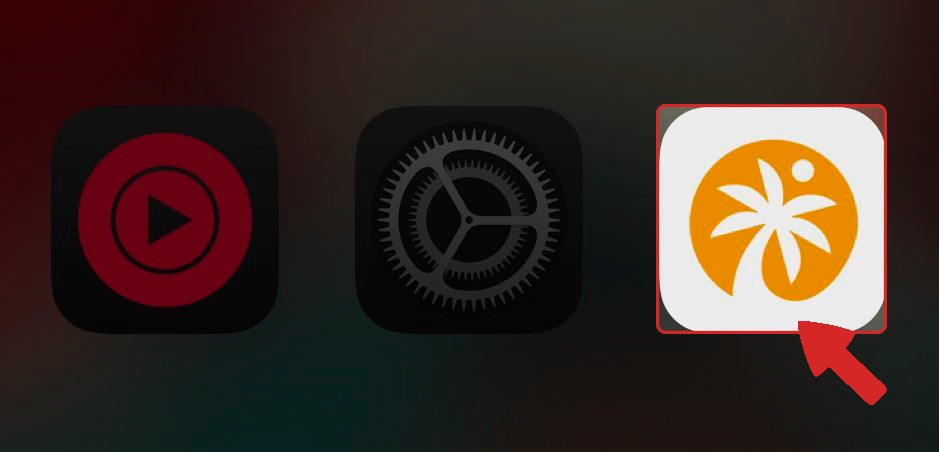
5. The shortcut will appear on your home screen, and the website will open as a standalone app when launched.
For Android
1. Open the website in the Google Chrome browser.
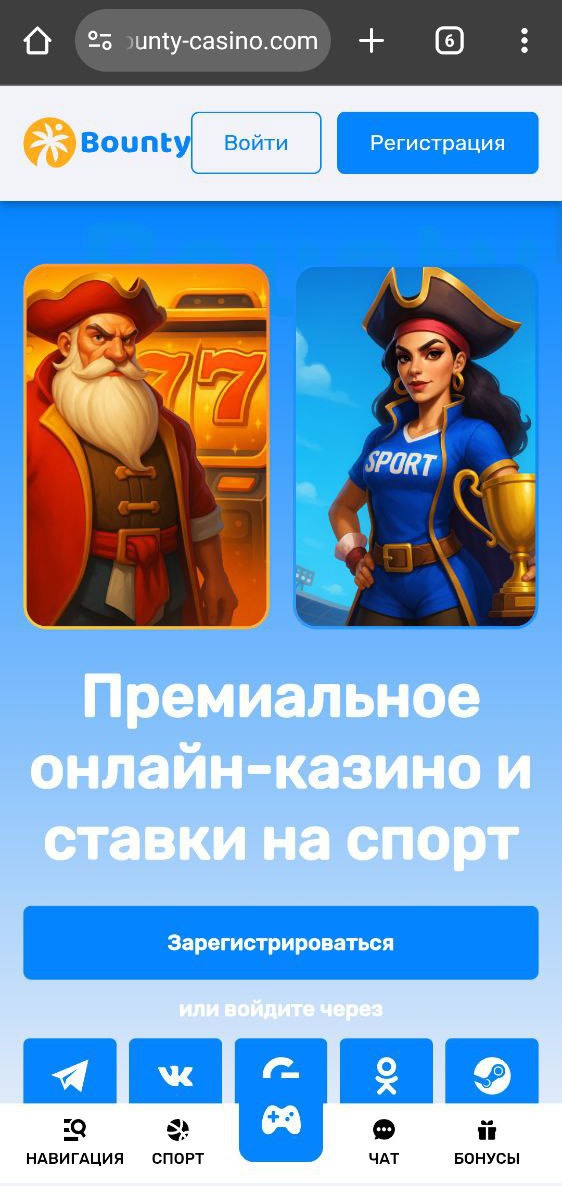
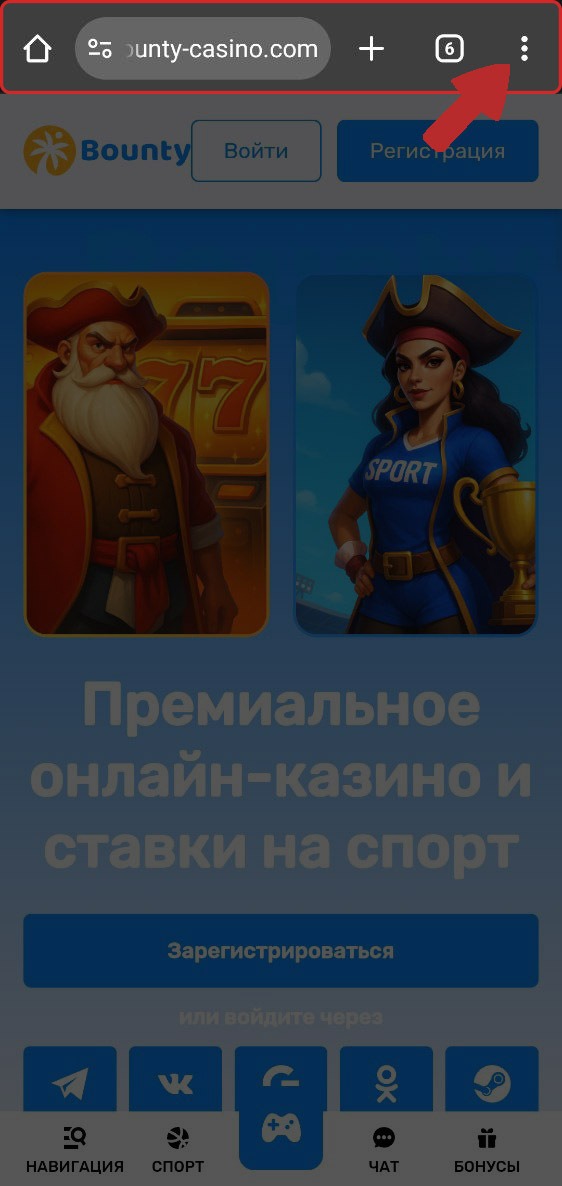
2. Tap the three-dot menu in the top-right corner.
3. Select “Add to Home screen.”
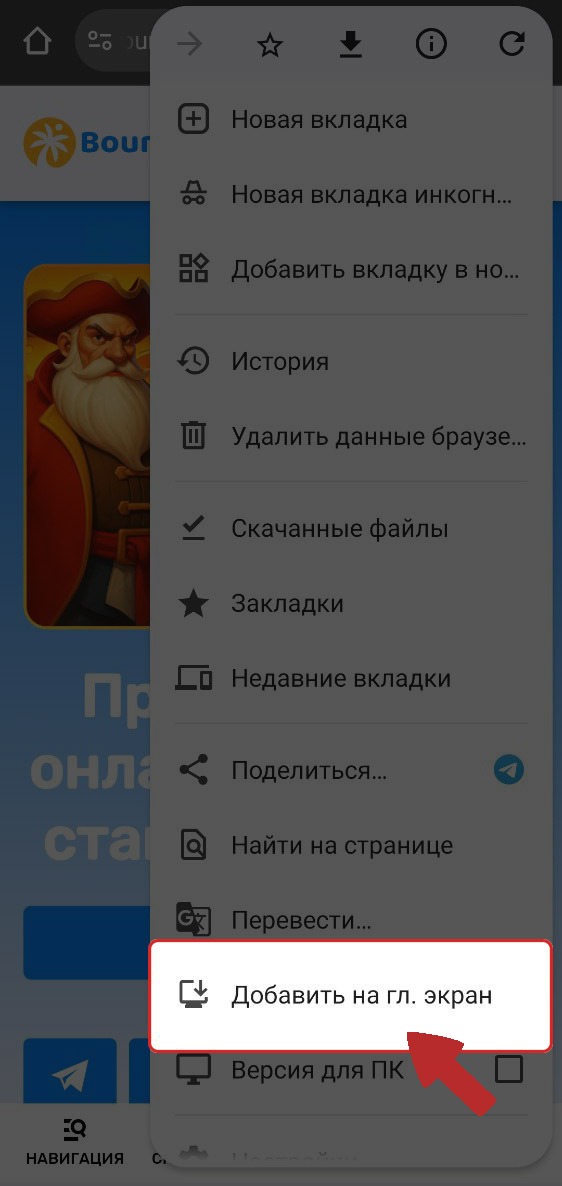
4. Name the shortcut and confirm that you want to add it.
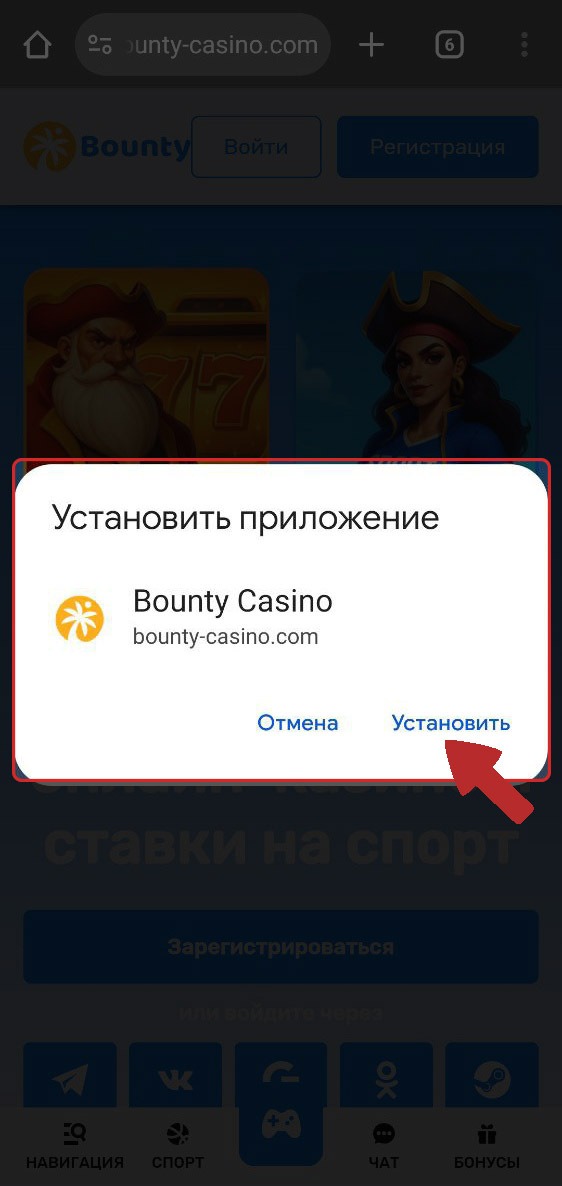
5. The shortcut will appear on your home screen, and the website will open in a separate window without browser tabs or interface.
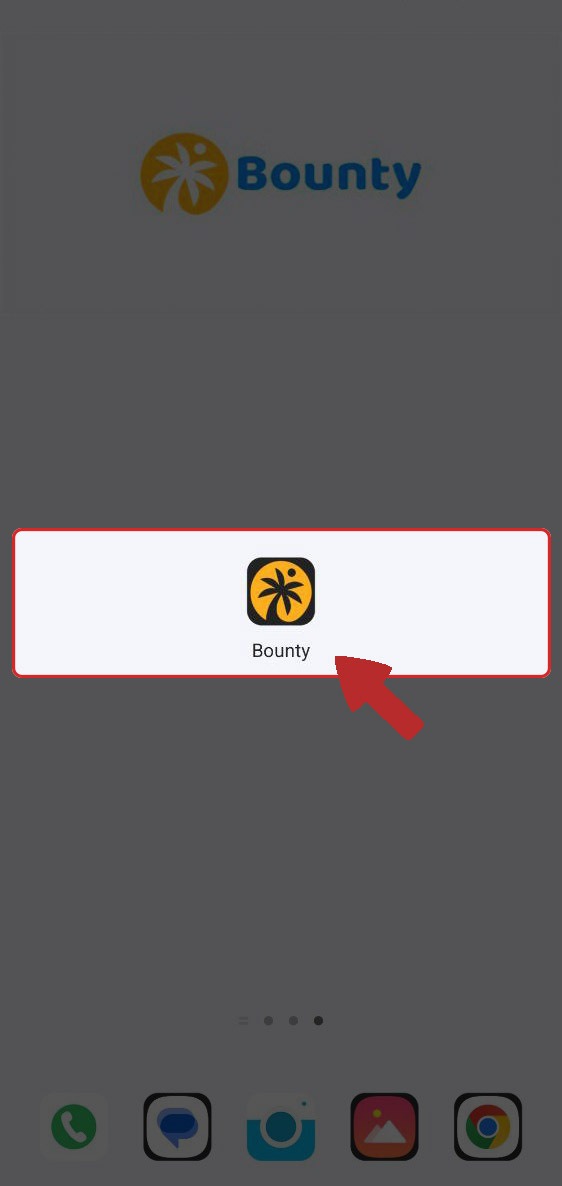
All set! The app is installed on your mobile device. To log in and play at Casino Bounty, simply tap the icon and enjoy the mobile version.
If you have any questions or need further information, please feel free to contact our support team.
We’re always happy to help!