

You can create unique campaigns, i.e., link names for your affiliate system. On desktop:
1. Go to the Affiliates section in the site's top navigation bar.
2. Click the Campaigns tab.
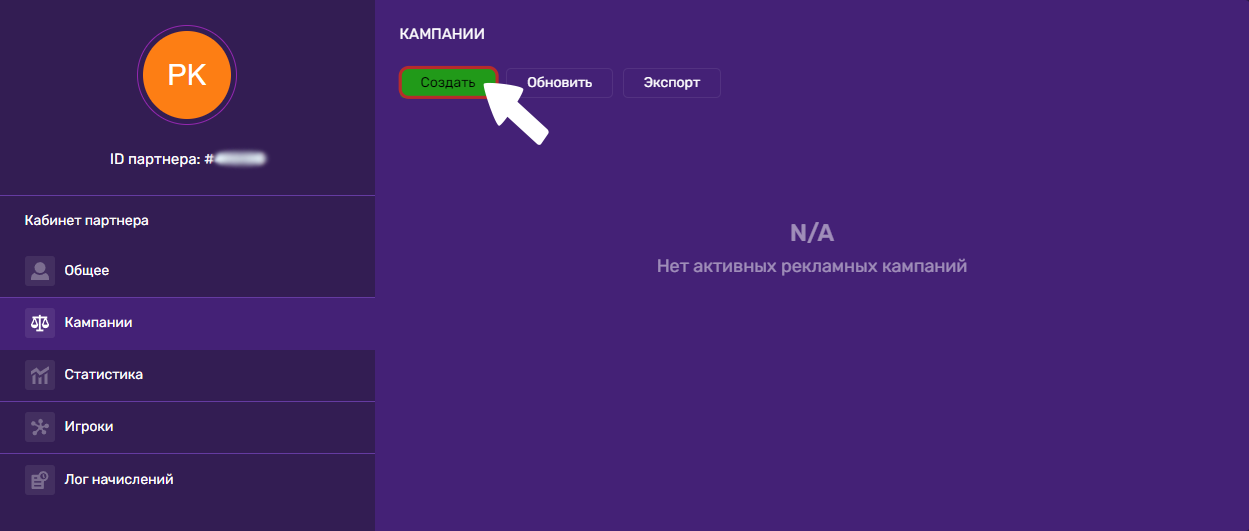
On a mobile device:
1. Tap the three dots in the bottom-right corner.
2. Go to the Affiliates section.
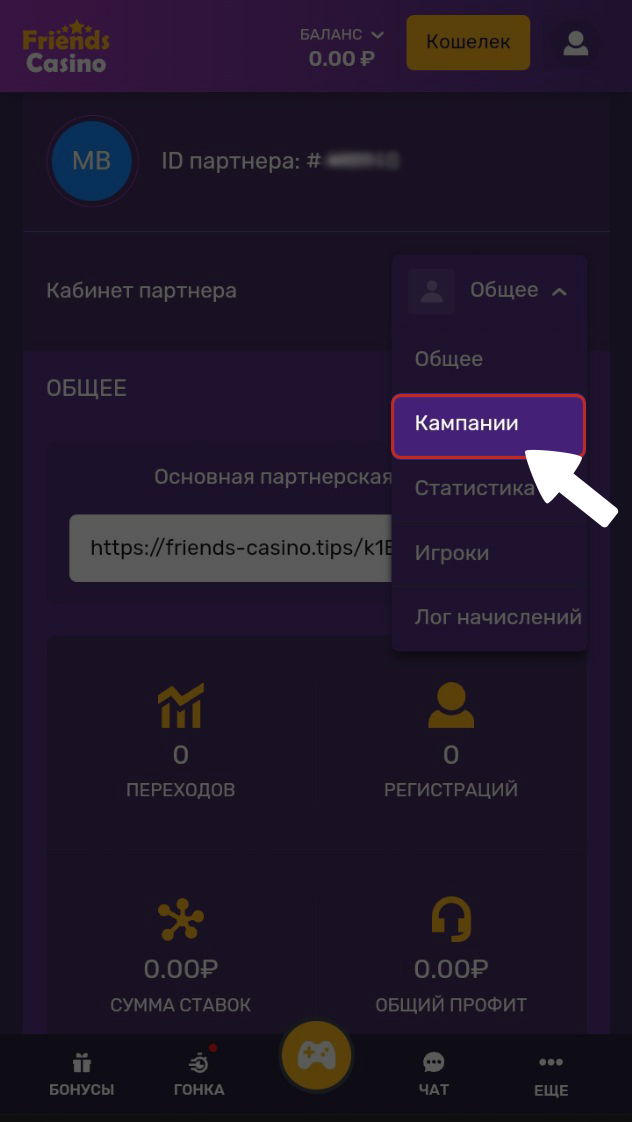
3. To the right of the text Affiliate Dashboard tap the section selector button and choose Campaigns.
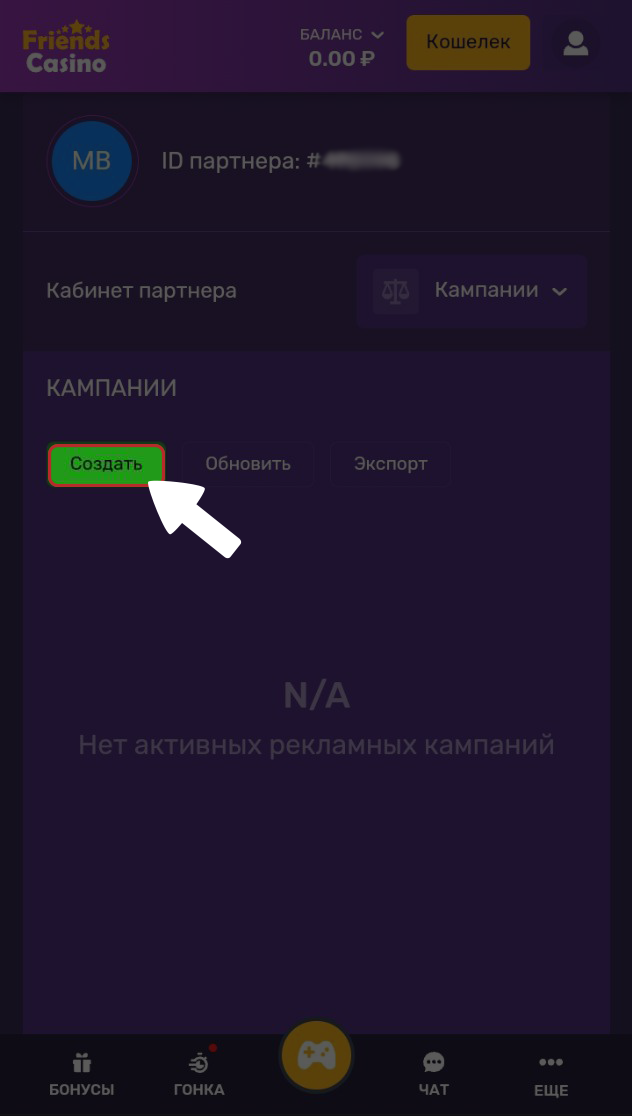
Create your campaign by giving it a name and choosing a unique URL for your referral link. Once it's created, click the Confirm button.
💡 Tip
If you have any questions or need further information, please don't hesitate to contact our support team.
We're always happy to help!