
🔎 For your convenience, we’ve prepared a guide to the article:
🎮 The slot crashed during gameplay
If your connection was interrupted during gameplay, don’t worry—your progress won’t be lost.
Depending on when the connection was lost:
during a bonus game - once your connection is restored, you’ll automatically return to the bonus game;
during a spin - the spin will be completed automatically, and if it results in a win, the winnings will be credited to your balance;
during autoplay - the current spin will finish automatically, but no subsequent spins will start.
In these cases, we recommend simply reopening the slot.
🥶 The slot froze during a round
Sometimes a slot may freeze during gameplay. In that case, we recommend:
Closing all tabs and apps on your phone;
Logging in to your account using an incognito browser;
Waiting 10-15 minutes, then opening the slot.
If the problem persists after trying these recommendations and the slot still doesn’t work, please contact us. We’ll check the details and resolve the issue as soon as possible. 🏁
🧩A winning combination didn’t pay out
If you think a winning combination wasn’t credited, we recommend first checking the slot rules and win conditions. This will help you confirm that the combination meets the game’s mechanics.
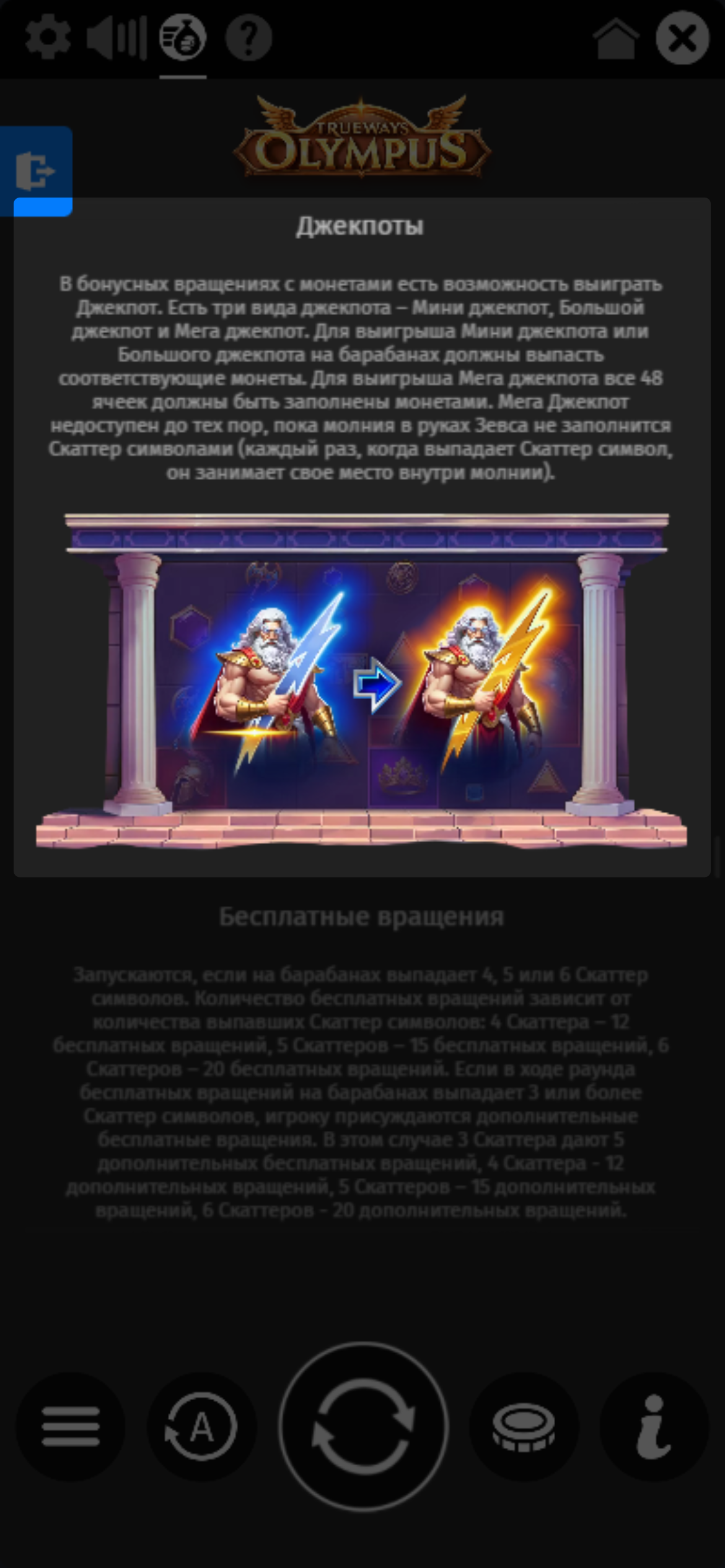
You can view the slot rules by clicking the icon «i» or «?» in the game interface.
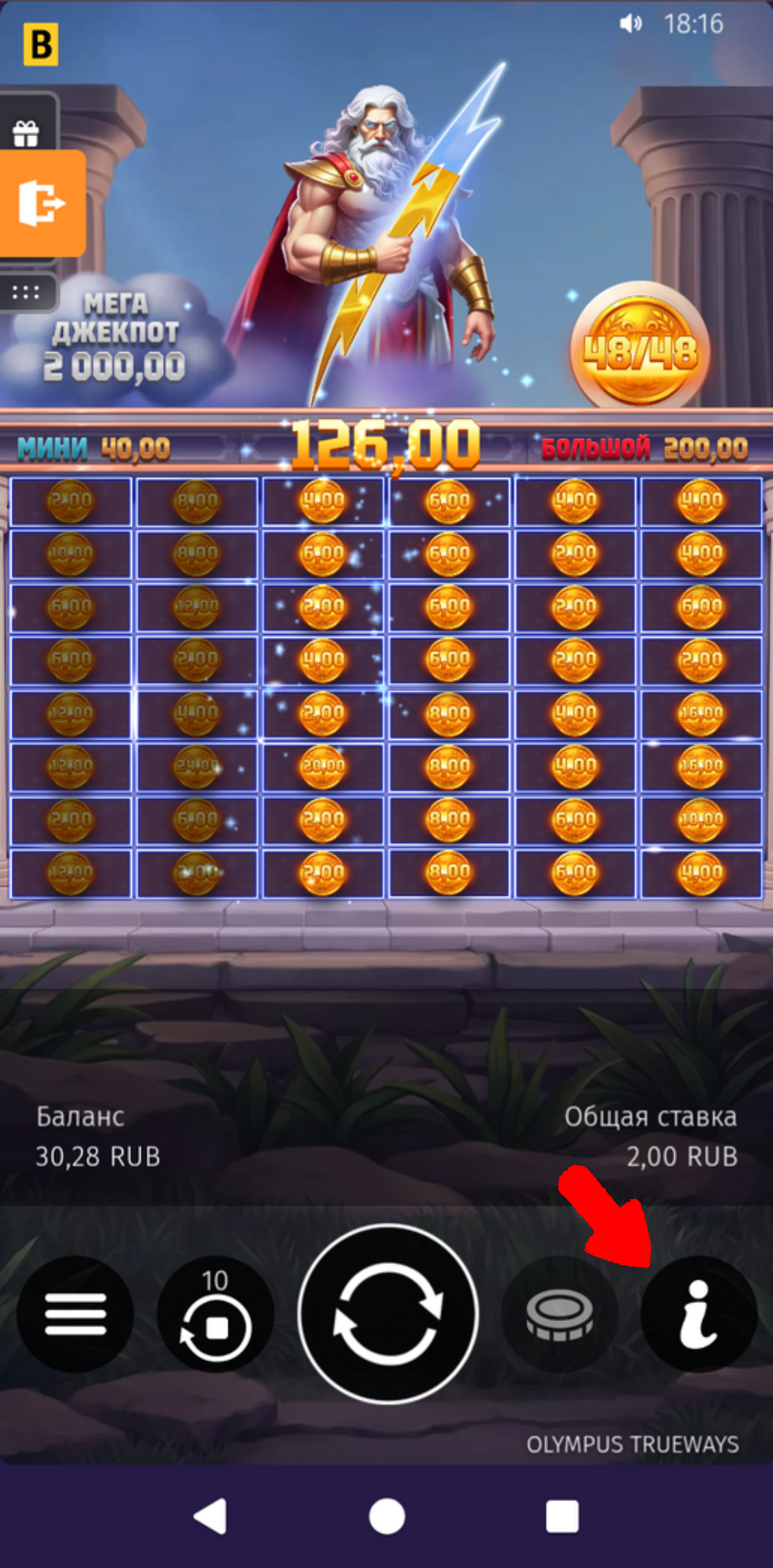
For example, you must meet two requirements to win the mega jackpot.
⚠️ A slot win wasn’t credited or a deduction was made
These errors can occur due to temporary issues on the provider’s end.
In these cases, there’s no need to worry—please contact Support right away, and we’ll help investigate and resolve the issue as soon as possible.
🚩Slot error – regional restrictions
Some providers may be unavailable in certain regions. If this happens, we recommend using a VPN. If the error persists after you enable it, try:
Changing the country in your VPN to a nearby one, such as Kazakhstan, Turkey, or Finland.
Using a paid VPN - it is generally more stable than free services.
Connect to a Wi-Fi network instead of mobile data—a more stable connection often helps resolve various errors.
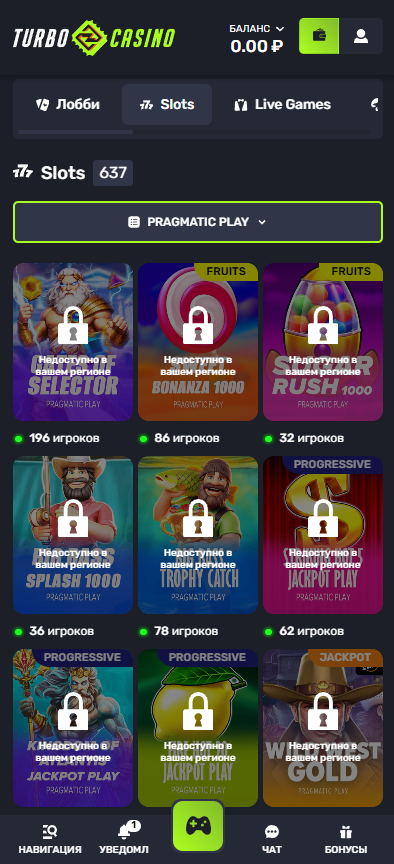
💻 A specific slot or all slots from a provider won't load
If you're having trouble loading slots, try the following:
Try using a VPN. If it's already on, switch to a different connection country (for example, Kazakhstan, Turkey, or Finland).
Connect to a stable Wi-Fi network instead of using mobile data.
Close any unnecessary tabs and apps to free up your device's resources.
Open the website in incognito mode and try launching the slot again.
If the problem persists after trying these recommendations, please contact our website support team. We'll check the details and do our best to resolve it as soon as possible! 🚀
📳 Error when opening a slot
Sometimes an error pop-up may appear when you open a slot.
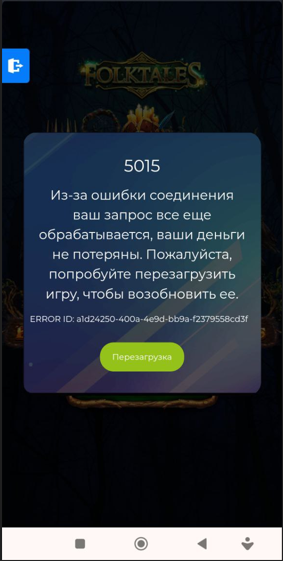
If this happens, we recommend contacting our website support team right away. An agent will check the details, help you understand the situation, and do their best to resolve the issue as soon as possible so you can get back to playing.🎰
🚦 Slots are locked
Some games may be temporarily unavailable due to additional requirements set by the organizer or provider. This is not related to a breach of the rules or a problem with your account.
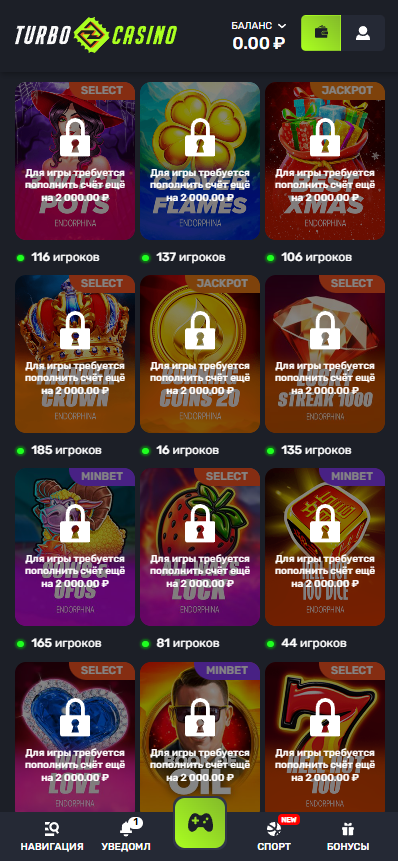
To unlock access, complete the requirement displayed on the game page. Your current progress is shown there too, and access will be unlocked automatically once you meet the requirement.