

Select Ecorpay as your payment method and enter the transfer amount
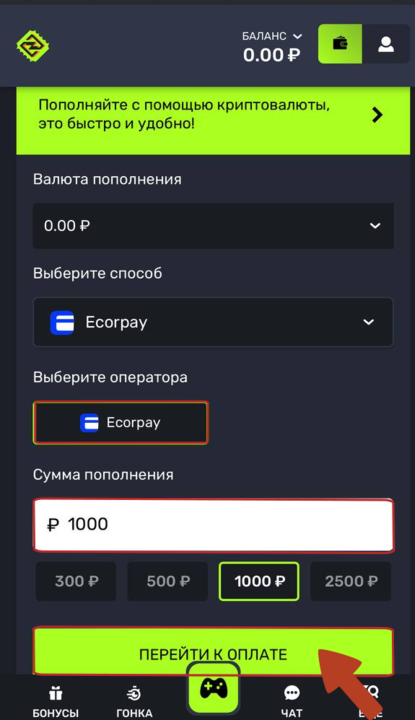
Proceed to checkout and select Ecorpay as your payment method
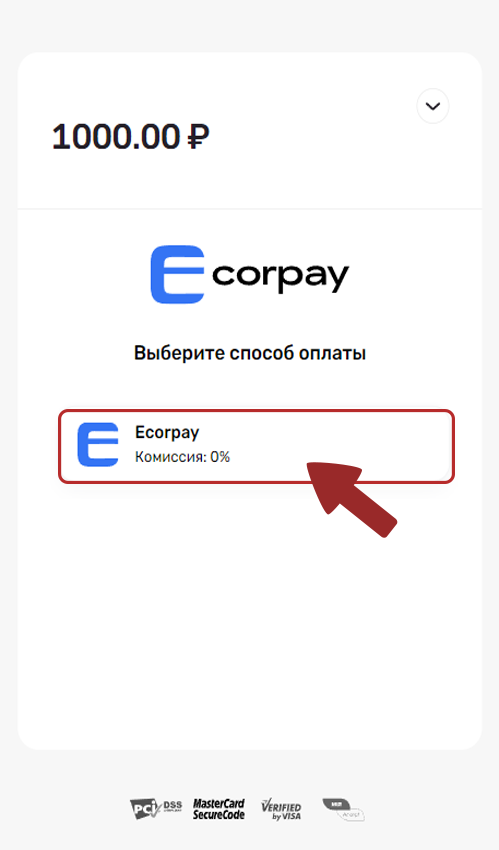
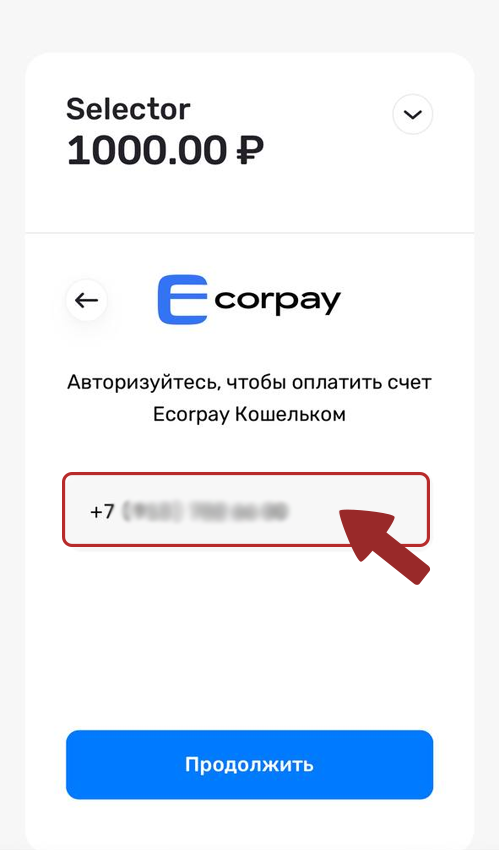
3. The Ecorpay wallet login page will appear. Sign in to your account.
4. If your wallet balance is insufficient to top up your account, click the "Top up" button, choose a convenient top-up method, enter the amount, and click Top up.
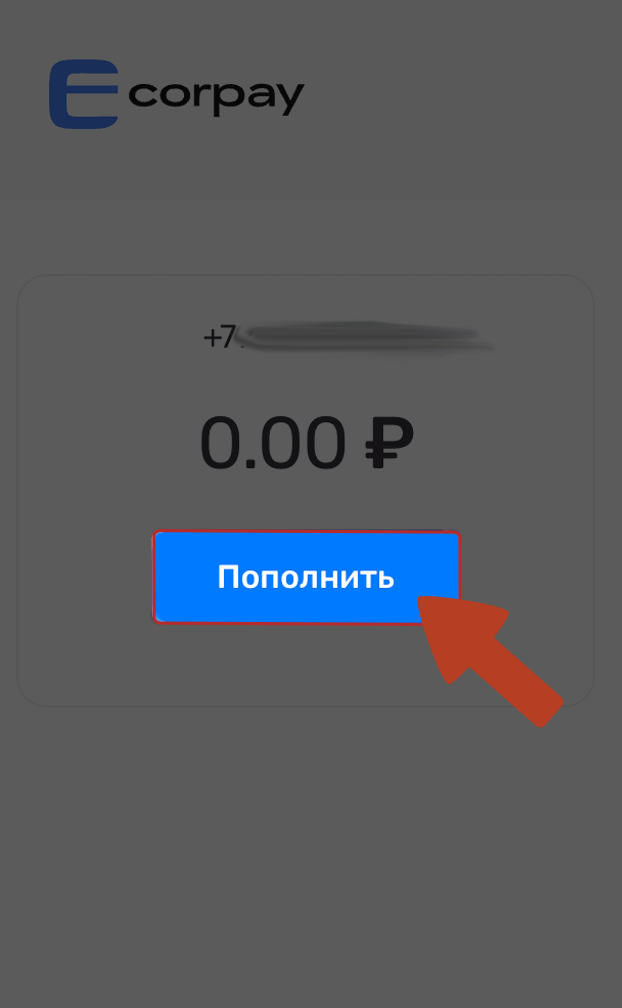
5. Choose a convenient top-up method, enter the amount, and click "Top up"
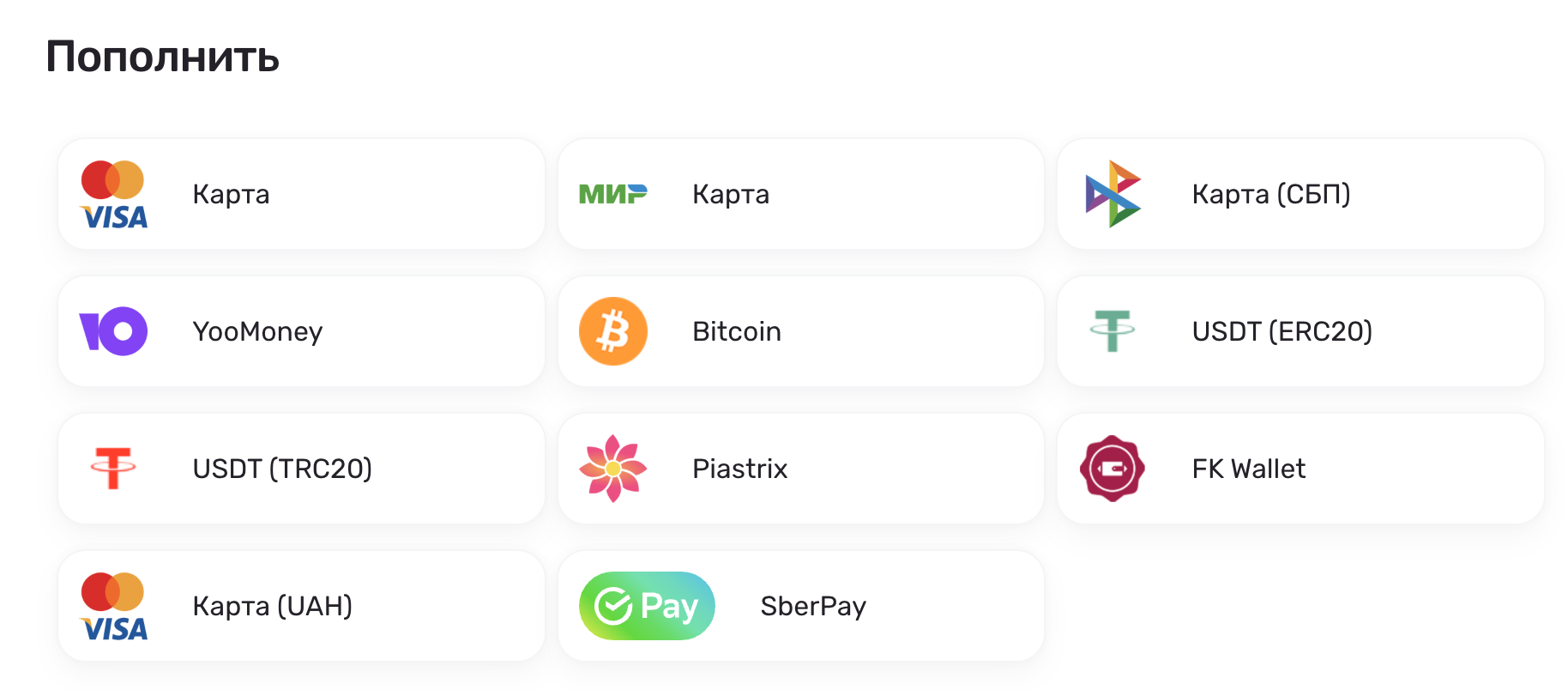
6. Copy the exact payment details shown on the payment page into the field below. Enter these details in your banking or wallet app, then enter the exact amount also shown on the payment page. We’ll use this amount to identify your payment and credit it automatically.
Important! If you make a transfer for an amount that differs from the exact amount shown on the payment page, the funds will not be credited and will not be returned to your card.
After making the payment, wait for the funds to appear in your account Ecorpay within a few minutes. If the payment system is busy, funds may occasionally take up to 1 hour to arrive.
Please contact our support team if the funds do not arrive within the specified time.
5) Once your Ecorpay wallet balance has been topped up, you can top up your casino balance. To do this, repeat the steps in section 1.
💡 Tip
If you have any questions or need further information, please don’t hesitate to contact our support team.
We’re always happy to help!