

Withdrawal Status “Error”: What Should You Do?
If you encounter a withdrawal error when trying to withdraw your winnings, don’t worry! In most cases, the issue can be resolved in just a couple of minutes.
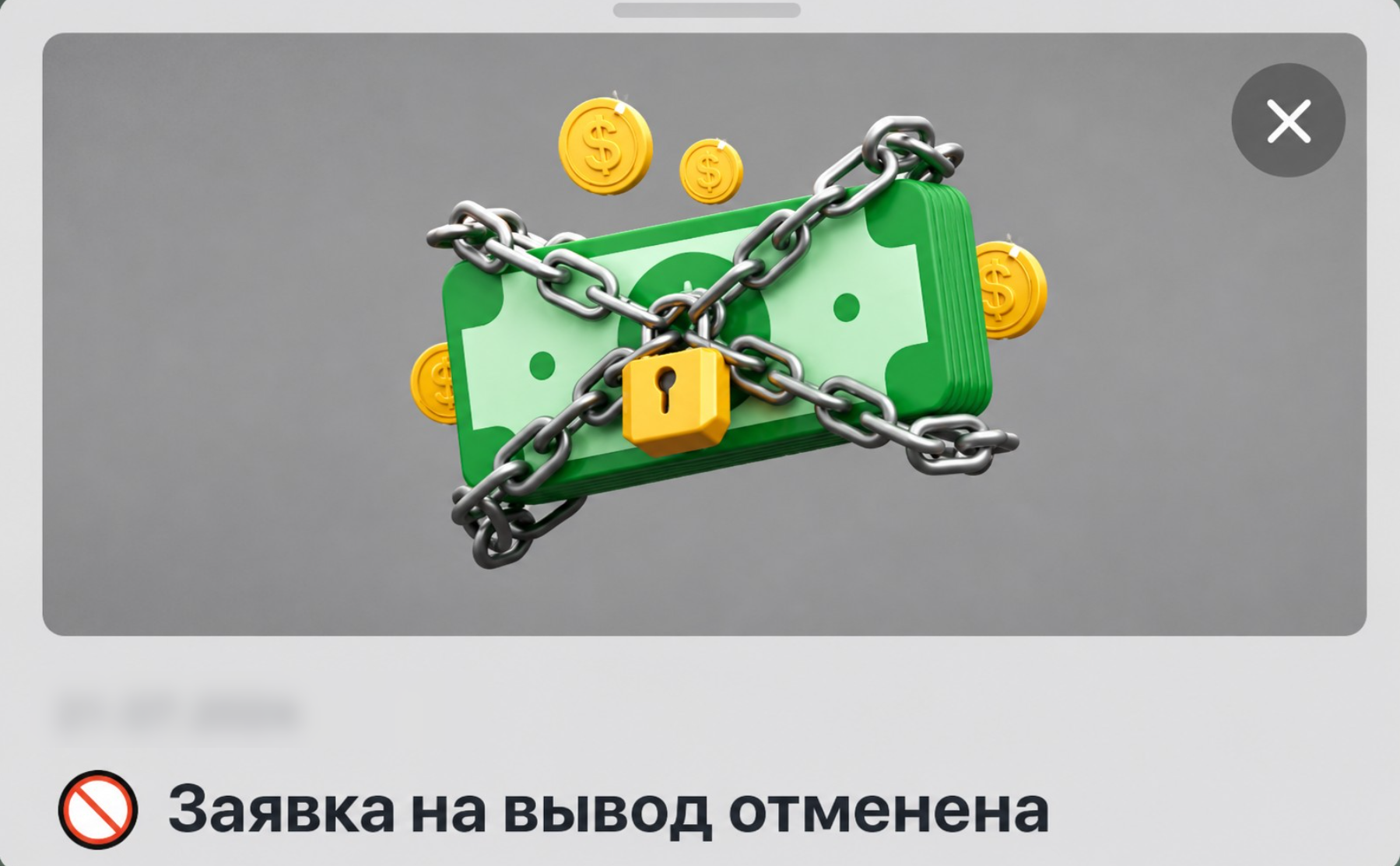
We’ve covered the most common reasons for withdrawal cancellations and put together a simple guide.👇
🎰Wagering requirements not met
This is the most common situation: you haven’t met the required wagering amount yet.
What to do:
To meet the wagering requirements, place bets of at least ≈ $0.012 (1 ₽) on slots without the “Instant win” tag.
Bets on Live games and in the “Sports” section do not count toward wagering requirements.
You can check your total bets in your account’s game history or in the statistics below the slot you played.
Once you’ve met the wagering requirements in full, you’ll be able to withdraw your funds.
🔒Withdrawal limit exceeded
Under clause 5.13 of the User Agreement, the site has daily, weekly, and monthly withdrawal limits. These are based not on calendar dates but on the time of your last successful payout: the daily limit resets after 24 hours, the weekly limit after 7 days, and the monthly limit after 30 days.
What to do:
See clause 5.13 of the User Agreement to find out your current withdrawal limits.
Reduce your withdrawal request to an amount within your current limit.
If you’ve reached the limit for the current period, wait for it to reset (24 hours, 7 days, or 30 days after your last withdrawal) and submit a new request.
🪪Verification not completed
To withdraw funds, the casino may request documents to verify your account, namely an image of an identity document. You may be unable to withdraw funds until your account has been verified. This error appears if verification is incomplete, your documents have been rejected, or they are still under review.
What to do:
Open the “Verification” section in your account settings to see your verification status and the reason for any rejection.
Complete both verification levels.
If you’ve completed verification but the error persists, wait 10 minutes; withdrawals are usually activated automatically. If your status hasn’t changed, contact Support.
👥Error withdrawing affiliate funds
Affiliate (referral) fund withdrawals have their own rules and restrictions, and failing to comply with them may cause errors. Affiliate balance withdrawals are available on weekdays (Monday to Friday) from 10:00 to 19:00 Moscow time. If you submit a request outside business hours, it will be processed on the next business day.
What to do:
Check whether you’ve reached the minimum withdrawal amount (specified in the affiliate program terms; see the linked article).
If you used a fiat withdrawal method, submit a new withdrawal request using cryptocurrency. Referral funds can only be withdrawn in cryptocurrency (USDT, TRX, Bitcoin, and others)!
If you’ve followed all the rules but the error persists, contact your personal affiliate manager on Telegram — they’ll provide more details about your withdrawal and prioritize resolving the issue!
💱Bank transfer
If you can’t see any reason for the error and the funds have been returned to your balance, the withdrawal was most likely canceled due to a technical error with the bank transfer. The funds were sent, but the recipient bank or your crypto wallet did not credit them or rejected the payment. There may be various reasons, from incorrect details to an issue on the bank’s or crypto wallet’s end.
What to do:
Carefully check the card, account, or crypto wallet details you entered.
Make sure your card is supported and not blocked.
Simply submit a new request—most repeat payments go through successfully.
💡If you’ve checked everything but the “Error” status remains, contact Support or your personal VIP manager. Message us via Live Chat or Telegram, or email us with the transaction ID and a screenshot of the error. We’ll look into it promptly and help you withdraw your funds!
🚦Error — balance changed
If an error occurred and your balance on the site changed, but the site notifications do not state the reason, please contact Support👇