

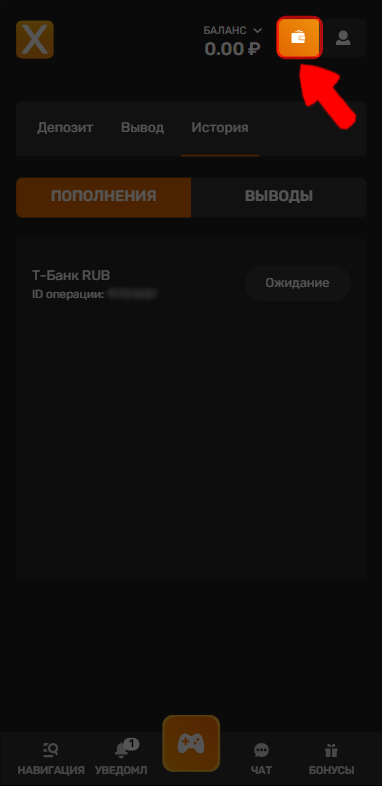
1. Click “Wallet” in the top-right corner.
2. Go to “History”.
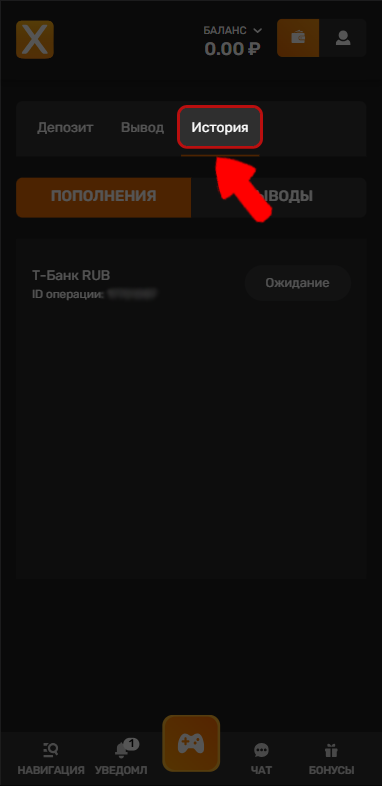
3. Select “Deposits” if you need the deposit ID, or “Withdrawals” if you need the withdrawal ID.
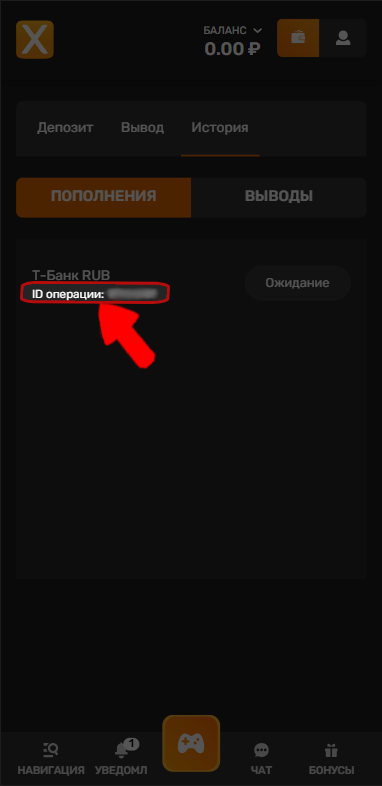
4. The transaction ID is shown below the transaction method.
💡 Tip
We’ve prepared a helpful article for you:
If you have any questions or need more information, please don’t hesitate to contact our support team.
We’re always happy to help!