

🪪Verification – is a procedure for confirming a user's identity to ensure account security. The process consists of two levels: completing a questionnaire and uploading an identity document.
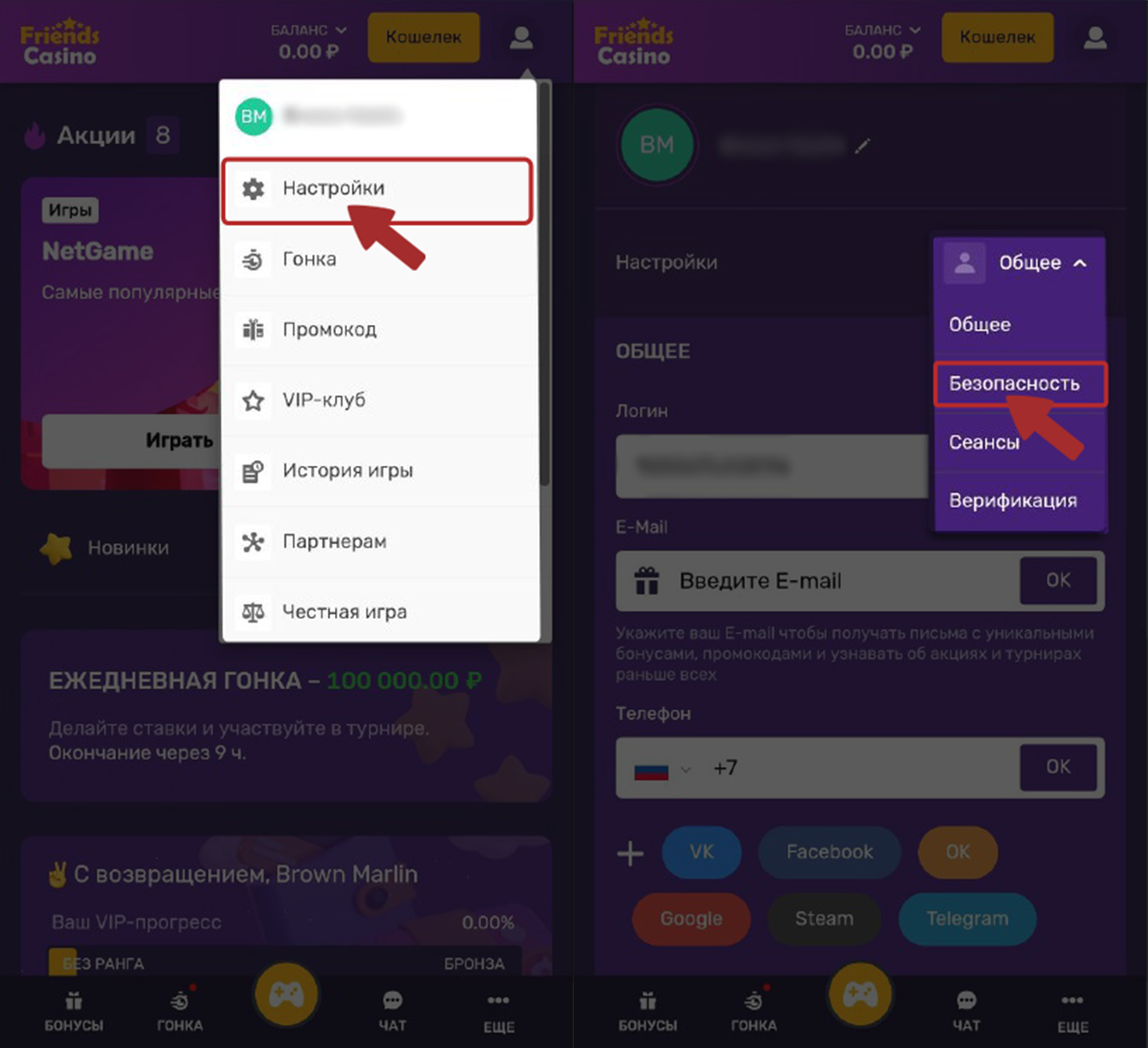
🔍Where can I find the verification section?
You can complete verification in your account settings under “Verification.” If you can't see this section or encounter an error while uploading, try switching browsers, clearing your cache, or switching from mobile data to Wi-Fi.
What are the verification steps?
Level one: Entering your personal details.
Level two: Uploading a photo of an identity document and a selfie.
How long does verification take?
The time required depends on the quality of the information you upload. Verification usually takes a few minutes, but in some cases it may take longer or require you to submit higher-quality documents. You can track the status in the “Verification” section.
How do I complete verification? Which documents should I upload?
To successfully complete verification, please follow these instructions:
Select your country of residence and the type of document you will use to verify your identity.
If you are using a passport, upload:
a photo of the main page showing your surname, first name, and patronymic;
a photo of the page showing your residential registration.
2. Alternatively, you can use a driver's license. In this case, upload a photo of the front of the document showing your personal details and a photo of the holder.
💡Before uploading, make sure the images are of good quality: all details should be clear and easy to read. This will speed up the review and help you complete verification without delays.
3. Upload the selected document to the appropriate section.
4. Complete photo verification.
All data and personal information provided by users when submitting documents are protected.
You can upload documents for review on this page:
💡If you're having trouble finding the section or uploading documents, or would like to check the status of your application:
Contact customer support via online chat or email;
Check the “Verification” section in your account for any new requirements, the status of your submitted application, or the review results.