

1. Forgot username
If you’ve forgotten your account username but have linked an email address or phone number to your account, contact our support team via our website. Provide the linked email address or phone number and, if possible, attach a screenshot showing your ID—we’ll help you restore access.
💡If you haven’t linked an email address or phone number, it won’t be possible to recover your account. We recommend linking your details for recovery right away to avoid situations like this.
2. Forgot password
If you’ve entered the wrong password, try to remember the correct password and username for your account, or look for them in your browser settings or saved password history.
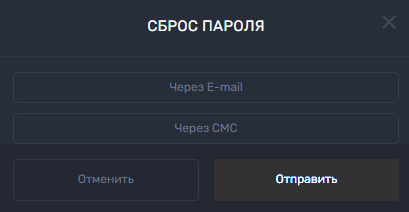
If you’ve already linked an email address to your account, click the “Forgot password” button in the login window and enter your email address. The website will send you an email with further instructions on how to recover your details. Alternatively, you can enter the phone number linked to your account and recover your details using an SMS code.
Also, if you’ve linked your VKontakte profile, you can log in using it or through other social networks available on the website.
💡 Tip
If you have any questions or need further information, please don’t hesitate to contact our support team.
We’re always happy to help!