

For iPhone (iOS)
1. Open the website in the Safari browser.

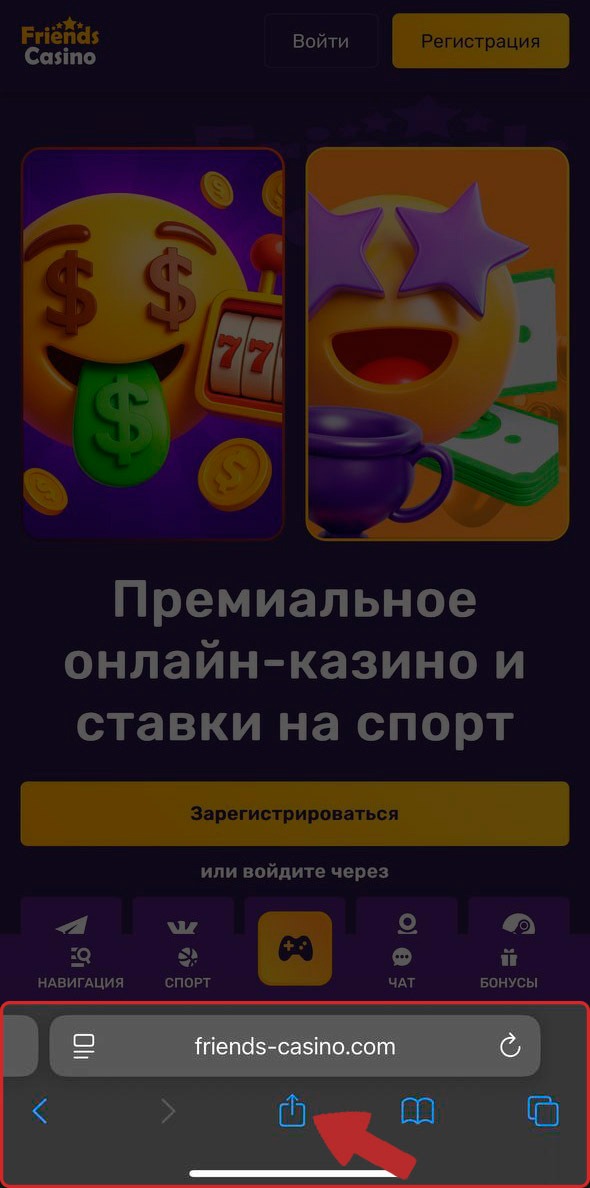
2. Tap the Share button (the square with an upward arrow) at the bottom of the screen.
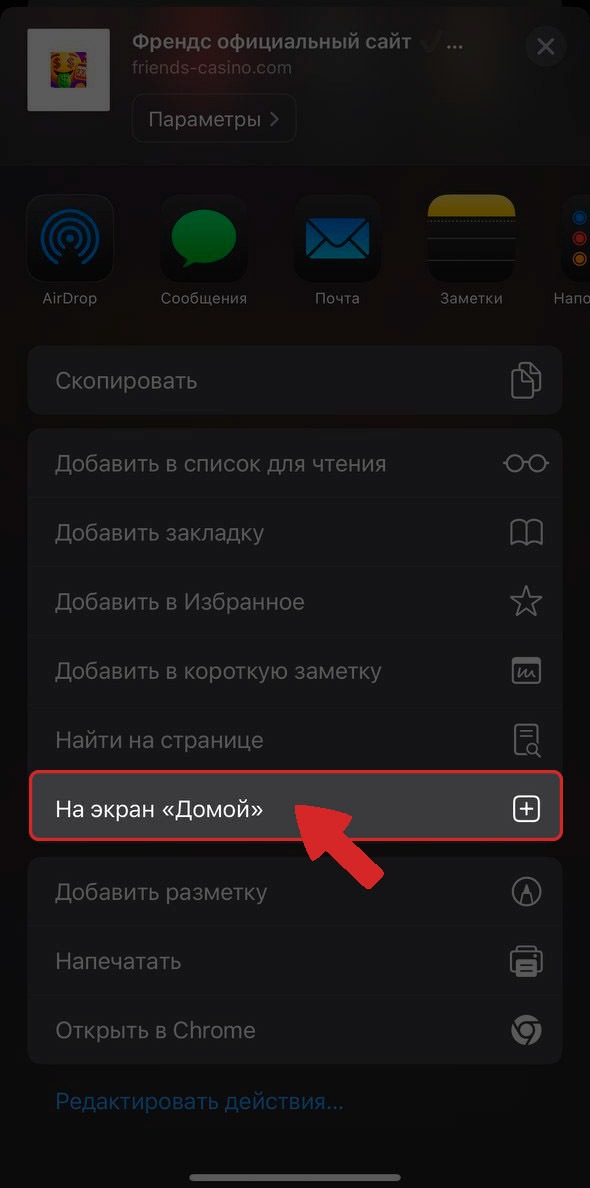
3. Select “Add to Home Screen”.
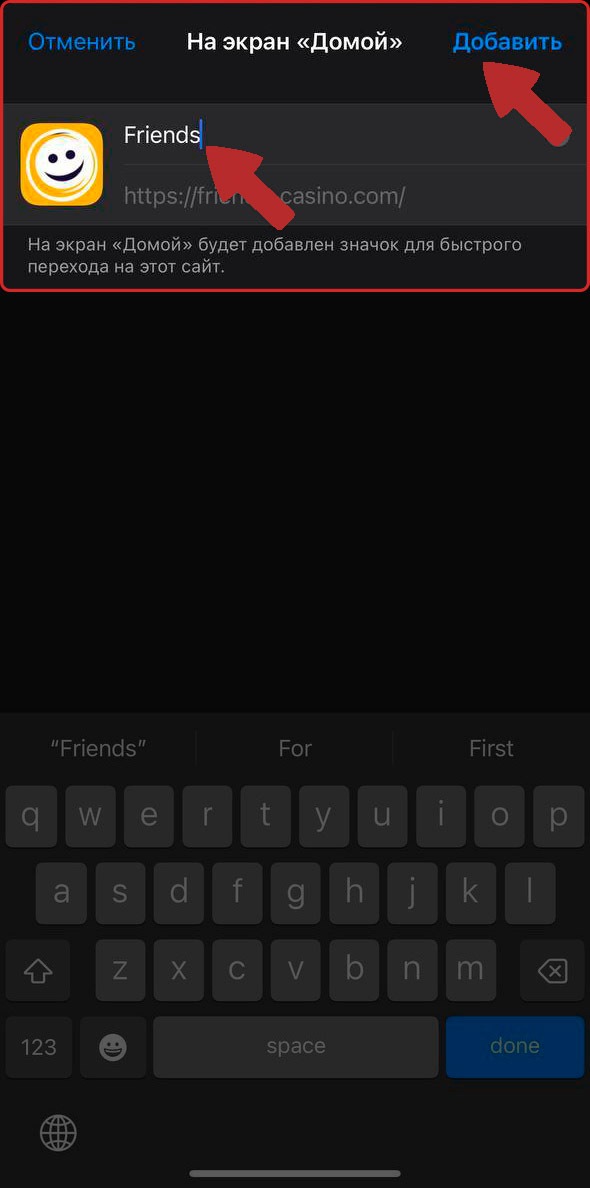
4. Name the shortcut (for example, use the website name) and tap Add.
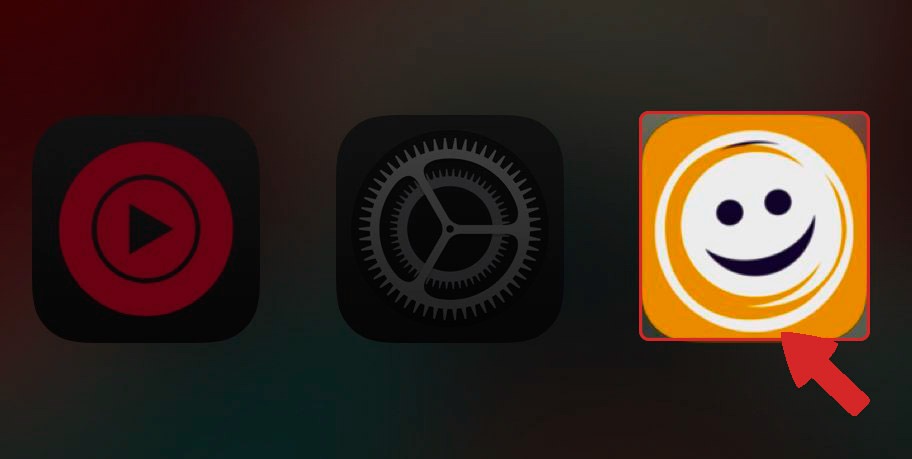
5. The shortcut will appear on your home screen, and tapping it will open the website as a standalone app.
For Android
1. Open the website in the Google Chrome browser.
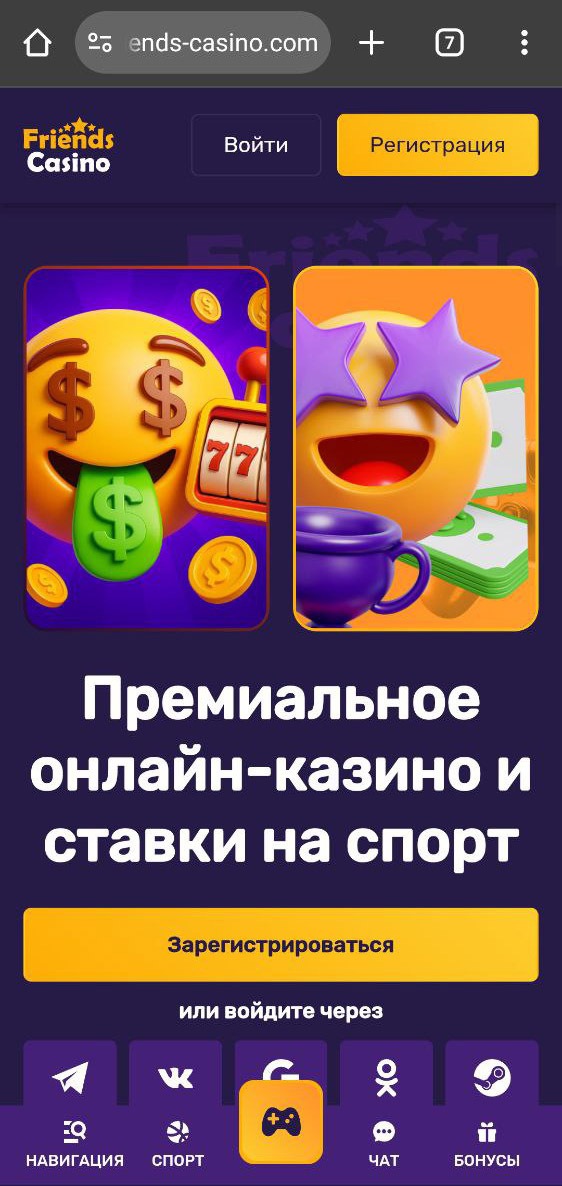
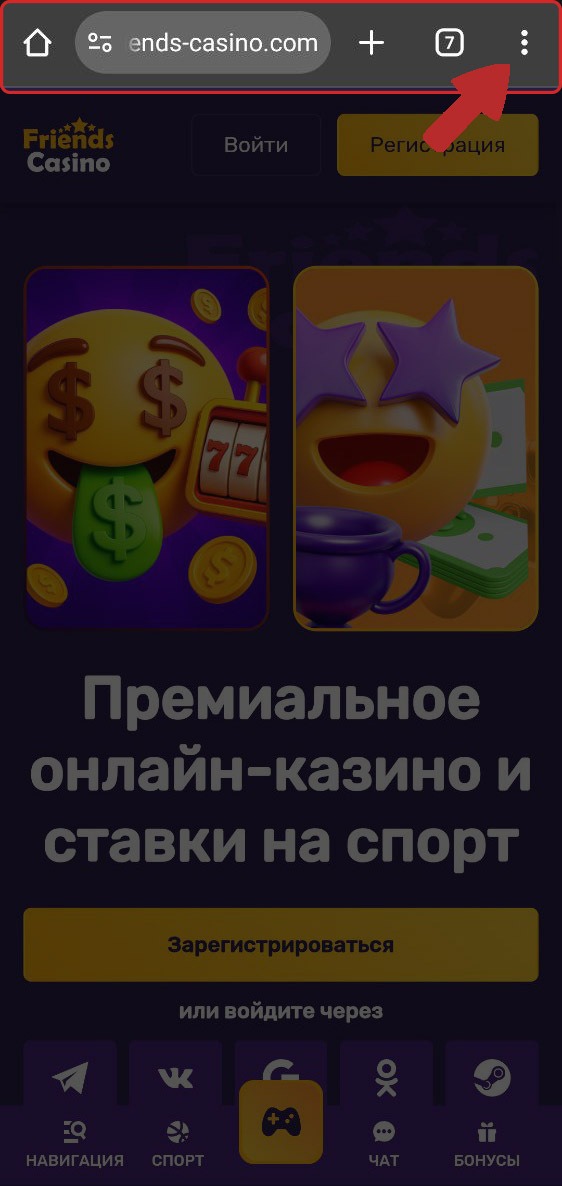
2. Tap the three-dot menu in the top-right corner.
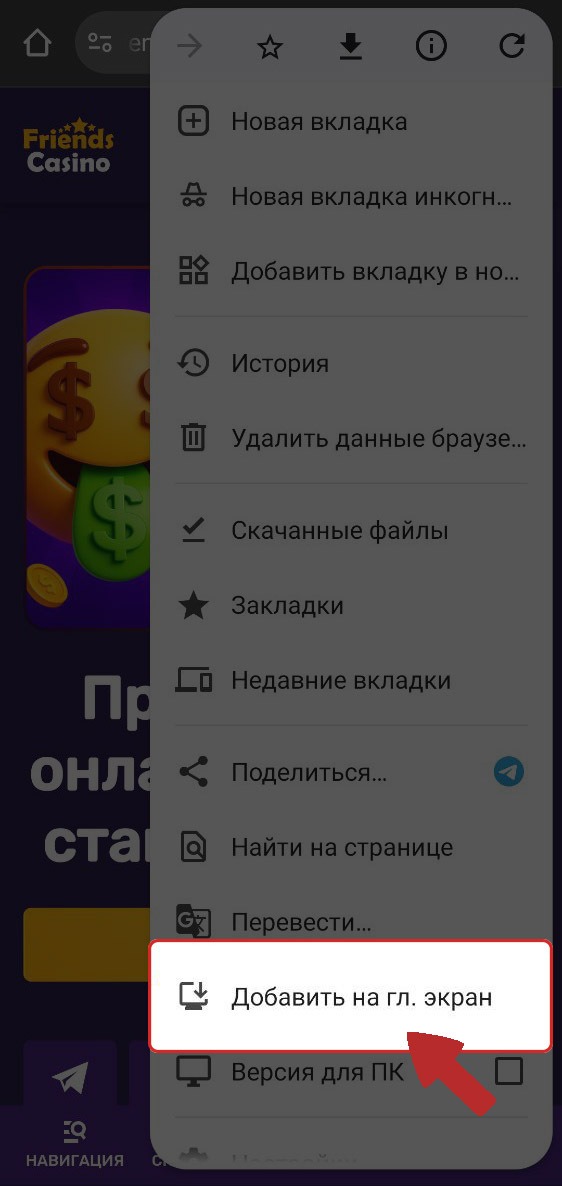
3. Select “Add to Home screen”.
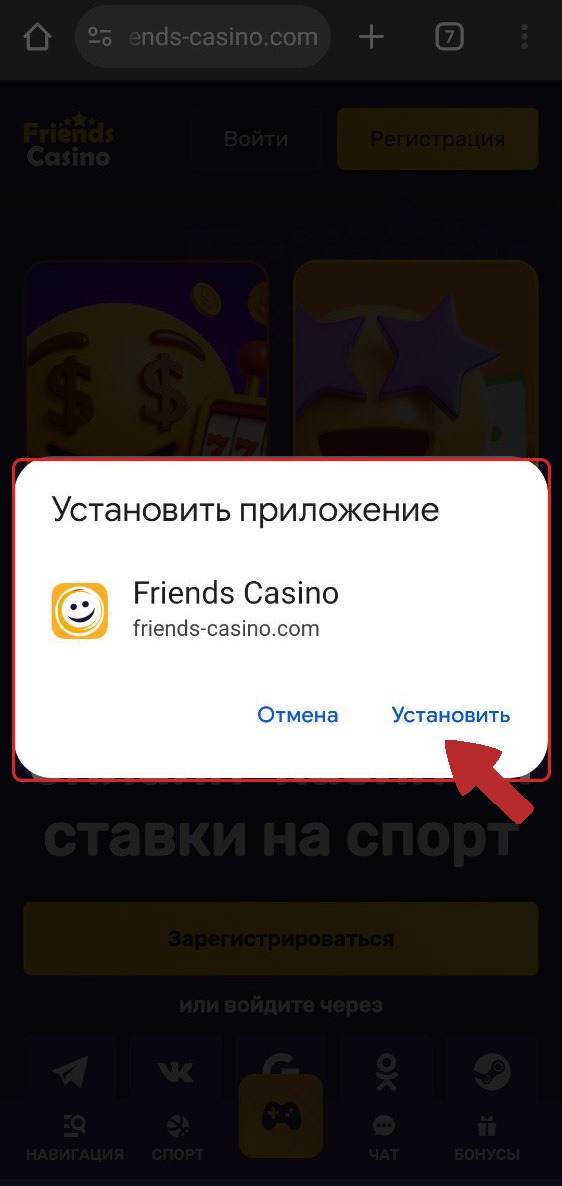
4. Name the shortcut and confirm that you want to add it.
5. The shortcut will appear on your home screen, and the website will open in a separate window without browser tabs or interface elements.
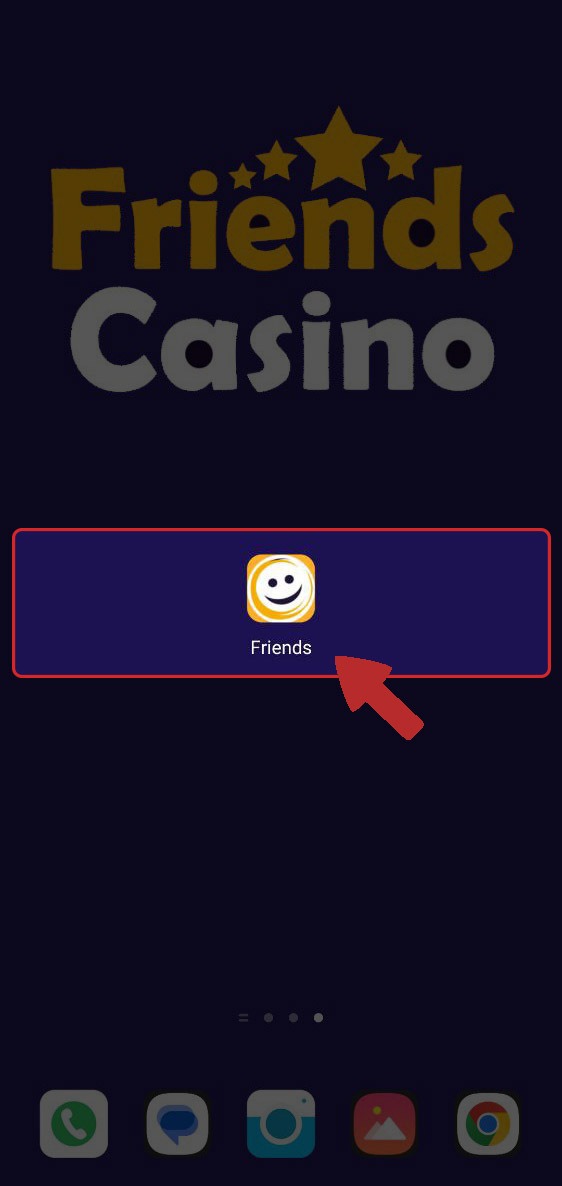
All set! The app is installed on your mobile device. To log in and play at Casino Friends, simply tap the icon and enjoy the mobile version.
If you have any questions or need additional information, please feel free to contact our support team.
We’re always happy to help!